
3 simple steps! how to accurately calculate church LED display resolution
In recent years, the application of LED displays in churches has become increasingly widespread. The resolution of the display, as a key factor influencing visual effects, has garnered much attention. This article will provide a clear explanation of how to calculate the resolution of LED displays, helping you easily master this technology and offering strong support for customizing church LED displays.
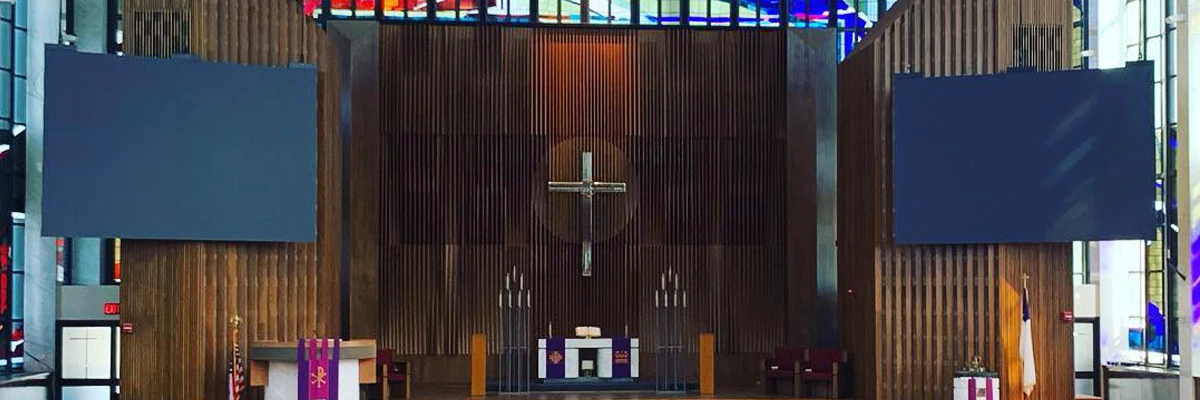
The calculation principle of Church LED display resolution
The resolution of a church video wall is not generated out of thin air; it is determined by both the resolution of individual modules and the number of modules. Simply put:
Display resolution = Single module resolution × Number of modules.
Detailed Calculation Steps for LED video wall
1. Calculate the resolution of a single module
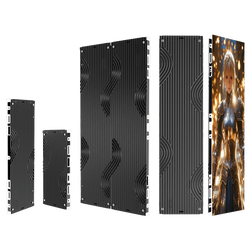
Using the common P3.91 rental church LED module as an example:
- Module size and pixel pitch: The standard size of a P3.91 module is 250mm × 250mm, with a pixel pitch of 3.91mm. Church LED display Pixel pitch refers to the distance between the centers of adjacent LED beads, which directly determines the number of pixels per unit area.

- Formula: Module resolution = Module size ÷ Pixel pitch
- Example: For a P3.91 module, horizontal resolution = 250mm ÷ 3.91mm ≈ 64 pixels, and the vertical resolution is the same. Therefore, the resolution of this module is 64 × 64 pixels.
2. Calculate the number of modules
- Determine the display size: Assume the display has an aspect ratio of 16:9, with a width of 4500mm and a height of 2600mm.
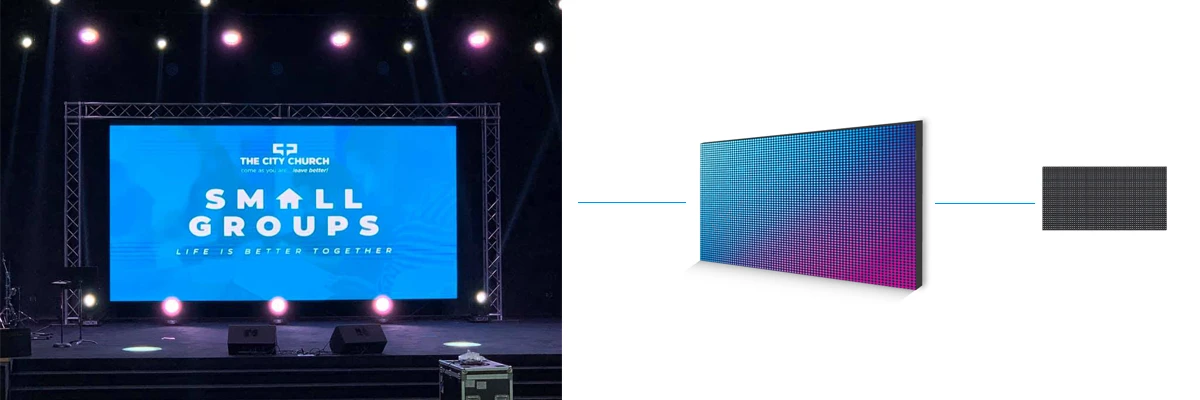
- Formula: Number of modules = Display size ÷ Module size
- Example: Horizontal number of modules ≈ 4500mm ÷ 250mm ≈ 18 modules, and vertical number of modules ≈ 2600mm ÷ 250mm ≈ 10 modules.
- Calculate total resolution: Multiply the resolution of a single module by the number of modules in each direction to get the total resolution of the display.so P3.91 church LED rental screen resolution = (64 x 18) x (64 x 10)
3. Choose the pixel pitch based on requirements
- Determine target resolution: Based on the usage scenario, determine the required display resolution, such as 2K(2048 x 1080), 4K(3840 x 2160), etc.The relationship between of pixel pitch and distance as below:
Pixel Pitch Minimum Viewing Distance Optimal Viewing Distance 0.9 mm 0.9 m (2.95 ft) 2-3 m (6.56-9.84 ft) 1.2 mm 1.2 m (3.94 ft) 2-3 m (6.56-9.84 ft) 1.5 mm 1.5 m (4.92 ft) 3-5 m (9.84-16.40 ft) 1.87 mm 1.87 m (6.14ft) 3-5 m (9.84-16.40 ft) 2.5 mm 2.5 m (8.20 ft) 5-8 (16.40-26.25 ft) 5 mm 5 m (16.4 ft) 10-15 m (32.8-49.21 ft) 10 mm 10 m (32.8 ft) 20-30 m (65.62-98.43 ft) 40 mm 40 m (131.23 ft) 80-100 m (262.47-328.1 ft) - Reverse calculate the pixel pitch: Based on the target resolution and display size, calculate the required pixel pitch. For example, for a 5.8-meter-wide display with a 2K resolution, the required pixel pitch should be 5800mm ÷ 2048 ≈ 2.83mm. so you should choose a P2.5 or smaller module.
4. Friendly Tips
- Round up: When calculating the number of modules, it’s common to round up to ensure the display can fully cover the area.
- Smaller pixel pitch, higher resolution: The smaller the pixel pitch, the more pixels per unit area, resulting in finer display quality.
- Consider cost comprehensively: Smaller pixel pitches are more expensive. When choosing modules, you need to balance resolution, cost, and actual needs.
Conclusion
By following the above steps, you can easily calculate the resolution of a church display and select the appropriate LED modules based on actual needs. With this knowledge, you'll have more confidence when customizing LED church displays.and CHIFELED will continue to provide all customers with the highest quality church displays that meet your needs.
Related Reading:
How do you distinguish between refresh rate and resolution (or clarity)? - 4K Refresh Rate ≠ 4K Resolution: Two LED Display Concepts You Might Be Confusing
How to install the LED video wall? - The most comprehensive LED screen installation guide: Top 9 installation methods for LED display


Comments